TP Spotify Rest Security
Table des matières
Objectifs
L'objectif de ce TP est de sécuriser le projet spotify-rest avec Spring Security.
Nous allons intégrer une couche de sécurité en employant un JWT Token.
Création du projet Spotify Rest Security
Préparation
Dans C:\Academie\, créer un répertoire spotify-rest-security et copier à l'intérieur toutes les sources du projet spotify-rest
La structure devrait être :
|-Academie
   |- spotify-rest
   |- spotify-rest-security
   |- spotify-web
Création du projet dans IntelliJ CE
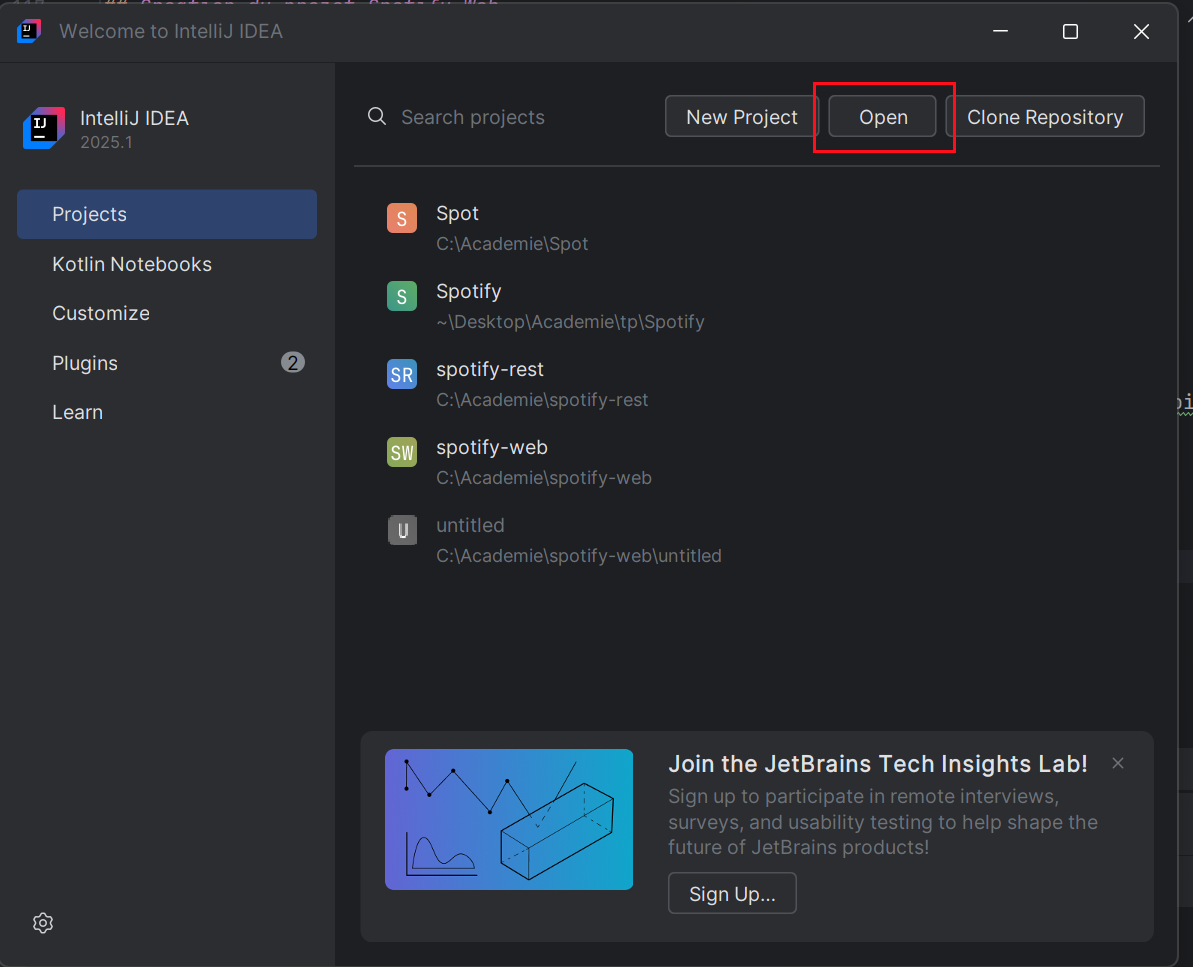
Ouvrir le répertoire précédemment créér : par exemple C:/Academie/spotify-rest-security
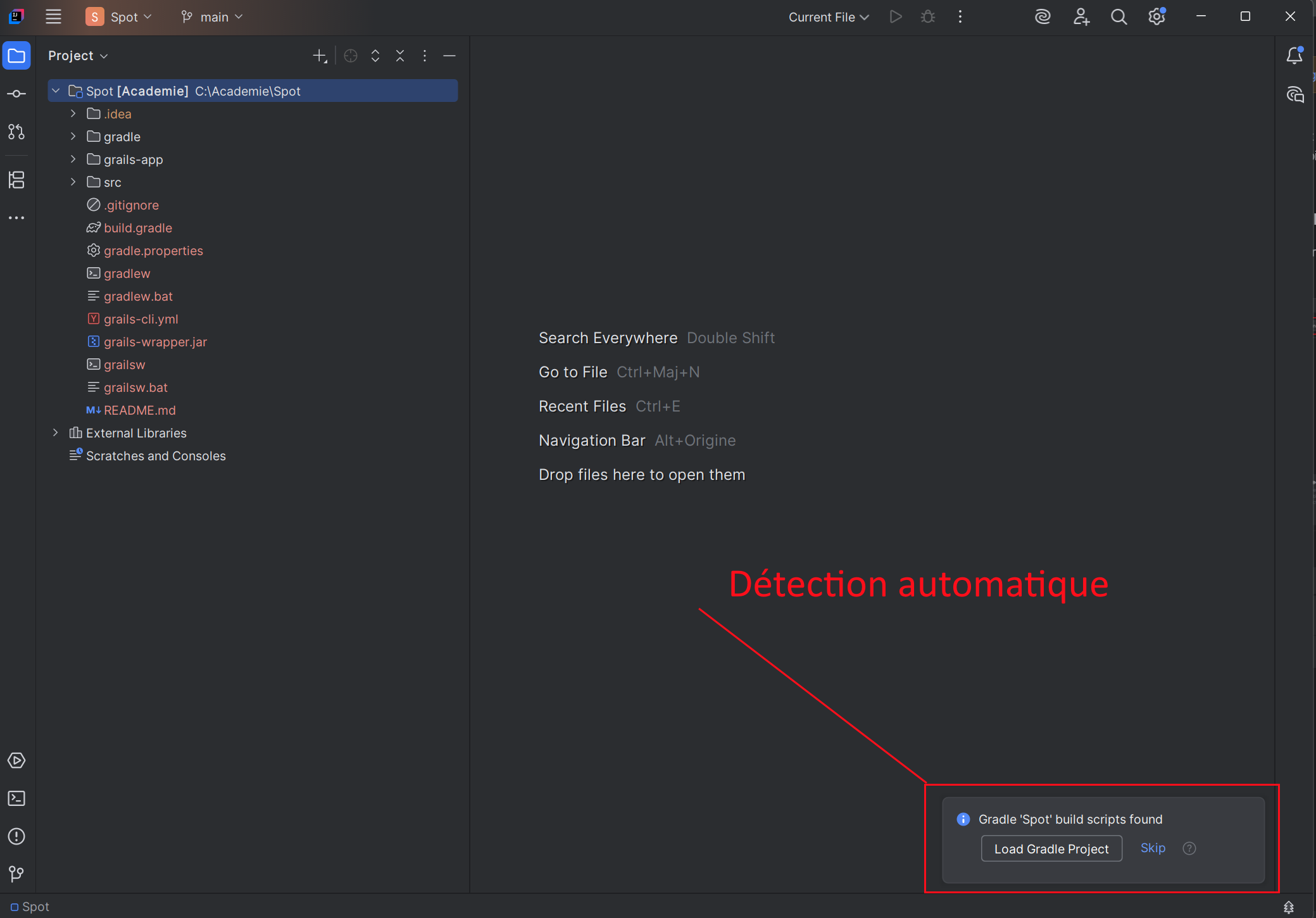
IntelliJ devrait alors reconnaitre la structure et proposer de charger Gradle.
Une fois les tasks Gradle disponibles, lancer :
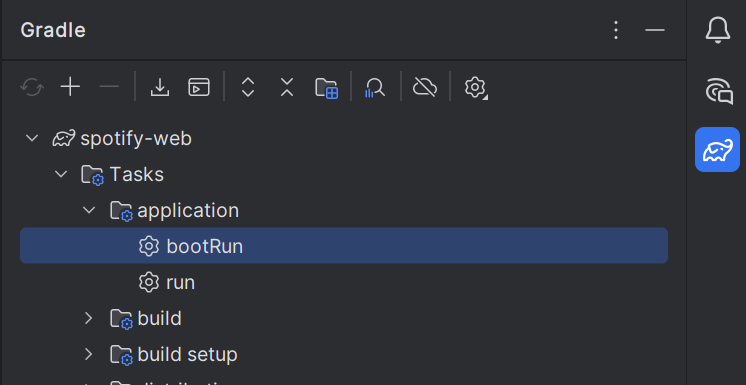
L'application est disponible sur : http://localhost:8080
Sécurisation de l'application
Ajout des dépendances
Dans le fichier build.gradle, ajouter les dépendances suivante :
// Spring Security Core - base pour la sécurité
implementation "org.grails.plugins:spring-security-core:6.0.0"

// Spring Security REST - pour les API REST
implementation "org.grails.plugins:spring-security-rest:5.0.0"
Configuration
Adapter la configuration dans `application.yaml
info:
  app:
    name: '@info.app.name@'
    version: '@info.app.version@'
    grailsVersion: '@info.app.grailsVersion@'

grails:
  cors:
    enabled: true
    allowedOrigins: '*'
  mime:
    types:
      json:
        - application/json
        - text/json
  views:
    json:
      generator:
        dateFormat: "yyyy-MM-dd'T'HH:mm:ss.SSSZ"
        pretty: true
    default:
      codec: html
  codegen:
    defaultPackage: com.talent
  profile: rest-api
  plugin:
    springsecurity:
      securityConfigType: "Annotation"
      rejectIfNoRule: false # Alllow to access if nothing is defined
      fii:
        rejectPublicInvocations: false
      active: true
      userLookup:
        userDomainClassName: 'com.talent.User'
        authorityJoinClassName: 'com.talent.UserRole'
      authority:
        className: 'com.talent.Role'
      controllerAnnotations:
        staticRules:
          - pattern: '/'
            access: ['permitAll']
          - pattern: '/error'
            access: ['permitAll']
          - pattern: '/api/login'
            access: ['permitAll']
          - pattern: '/api/**'
            access: ['permitAll']

      filterChain:
        chainMap:
          - pattern: '/assets/**'
            filters: 'none'
          - pattern: '/**/js/**'
            filters: 'none'
          - pattern: '/**/css/**'
            filters: 'none'
          - pattern: '/**/images/**'
            filters: 'none'
          - pattern: '/**/favicon.ico'
            filters: 'none'
          - pattern: '/api/login'
            filters: 'JOINED_FILTERS,-authenticationProcessingFilter,-securityContextPersistenceFilter,-rememberMeAuthenticationFilter'
          - pattern: '/api/**'
            filters: 'JOINED_FILTERS,-anonymousAuthenticationFilter,-exceptionTranslationFilter,-authenticationProcessingFilter,-securityContextPersistenceFilter'
          - pattern: '/**'
            filters: 'JOINED_FILTERS,-restTokenValidationFilter,-restExceptionTranslationFilter'

      rest:
        login:
          active: true
          endpointUrl: '/api/login'
          failureStatusCode: 401
          useJsonCredentials: true
        logout:
          endpointUrl: '/api/logout'
        token:
          validation:
            enableAnonymousAccess: true
          storage:
            jwt:
              # Clé d'au moins 32 caractères (256 bits)
              secret: 'votreSuperCleSecreteAvecAuMoins32Caracteres'
              expiration: 3600  # Durée de validité en secondes

dataSource:
  pooled: true
  jmxExport: true
  driverClassName: org.mariadb.jdbc.Driver
  url: 'jdbc:mariadb://${DB_HOST:localhost}:${DB_PORT:3306}/${DB_DATABASE:spotify_db}?useUnicode=true&characterEncoding=utf8mb4&serverTimezone=UTC'
  username: '${DB_USER:spotify_user}'
  password: '${DB_PASSWORD:123456}'

environments:
  development:
    dataSource:
      dbCreate: create
  test:
    dataSource:
      dbCreate: update
  production:
    dataSource:
      dbCreate: none
hibernate:
  cache:
    queries: false
    use_second_level_cache: false
    use_query_cache: false
---
# Logging Configuration
logging:
  level:
    org.springframework: ERROR
    org.springframework.security: DEBUG
---
Génération des classes de domaine pour la sécurité
Ouvrir un terminal et dans le répertoire C:\Academie\spotify-rest-security taper la commande :
./gradlew runCommand -Pargs="s2-quickstart com.talent User Role"Ceci va créer les classes de domaine nécessaire à la sécurisation de l'application
Note
Il faut supprimer :
- @GrailsCompileStatic des classes générées (User/Role/UserRole)
- le fichier auto-générer
application.groovypuisque nous l'avons intégré dans le yaml
Création de données initiales
Dans le fichier conf/resources.groovy, ajouter l'encodeur à utiliser pour l'encryption des mots de passe (Algorithme BCrypt)
import org.springframework.security.crypto.bcrypt.BCryptPasswordEncoder

// Place your Spring DSL code here
beans = {

    passwordEncoder(BCryptPasswordEncoder, 10)

}
Et enfin, ajouter des données au startup de l'application dans init/Bootstrap.groovy
package com.talent

import grails.gorm.transactions.Transactional
import groovy.util.logging.Slf4j

class BootStrap {

    def passwordEncoder

    def init = { servletContext ->
        initSecurity()
        initSampleData()
    }

    @Transactional
    void initSecurity() {
        // Création des rôles
        def adminRole = Role.findByAuthority('ROLE_ADMIN') ?: new Role(authority: 'ROLE_ADMIN').save(flush: true)
        def userRole = Role.findByAuthority('ROLE_USER') ?: new Role(authority: 'ROLE_USER').save(flush: true)

        // Création des utilisateurs
        def adminUser = User.findByUsername('admin') ?: new User(
                username: 'admin',
                password: passwordEncoder.encode('admin123'),
                enabled: true
        ).save(flush: true)

        def regularUser = User.findByUsername('user') ?: new User(
                username: 'user',
                password: passwordEncoder.encode('user123'),
                enabled: true
        ).save(flush: true)

        // Attribution des rôles
        if (!adminUser.authorities.contains(adminRole)) {
            UserRole.create(adminUser, adminRole, true)
        }

        if (!regularUser.authorities.contains(userRole)) {
            UserRole.create(regularUser, userRole, true)
        }
    }

    @Transactional
    void initSampleData() {
        // Création des artistes
        def artist1 = Artist.findByName('Pink Floyd') ?: new Artist(
                name: 'Pink Floyd',
                biography: 'Groupe de rock progressif britannique formé à Londres en 1965.',
                imageUrl: 'https://example.com/pink_floyd.jpg'
        ).save(flush: true)

        def artist2 = Artist.findByName('The Beatles') ?: new Artist(
                name: 'The Beatles',
                biography: 'Groupe de rock britannique, originaire de Liverpool, formé en 1960.',
                imageUrl: 'https://example.com/the_beatles.jpg'
        ).save(flush: true)

        // Création des albums pour Pink Floyd
        def album1 = Album.findByTitleAndArtist('The Dark Side of the Moon', artist1) ?: new Album(
                title: 'The Dark Side of the Moon',
                year: 1973,
                coverArt: 'https://example.com/dark_side.jpg',
                artist: artist1
        ).save(flush: true)

        def album2 = Album.findByTitleAndArtist('Wish You Were Here', artist1) ?: new Album(
                title: 'Wish You Were Here',
                year: 1975,
                coverArt: 'https://example.com/wish_you_were_here.jpg',
                artist: artist1
        ).save(flush: true)

        // Création des albums pour The Beatles
        def album3 = Album.findByTitleAndArtist('Abbey Road', artist2) ?: new Album(
                title: 'Abbey Road',
                year: 1969,
                coverArt: 'https://example.com/abbey_road.jpg',
                artist: artist2
        ).save(flush: true)

        // Chansons pour The Dark Side of the Moon
        if (!Song.findByTitleAndAlbum('Speak to Me', album1)) {
            new Song(
                    title: 'Speak to Me',
                    duration: 90,
                    trackNumber: 1,
                    album: album1
            ).save(flush: true)

            new Song(
                    title: 'Breathe (In the Air)',
                    duration: 163,
                    trackNumber: 2,
                    album: album1
            ).save(flush: true)

            new Song(
                    title: 'Time',
                    duration: 421,
                    trackNumber: 3,
                    album: album1
            ).save(flush: true)
        }

        // Chansons pour Abbey Road
        if (!Song.findByTitleAndAlbum('Come Together', album3)) {
            new Song(
                    title: 'Come Together',
                    duration: 260,
                    trackNumber: 1,
                    album: album3
            ).save(flush: true)

            new Song(
                    title: 'Something',
                    duration: 182,
                    trackNumber: 2,
                    album: album3
            ).save(flush: true)

            new Song(
                    title: 'Here Comes the Sun',
                    duration: 185,
                    trackNumber: 7,
                    album: album3
            ).save(flush: true)
        }
    }

    def destroy = {
    }
}
Sécurisation des contrôleurs
Pour terminer, nous devons sécuriser l'accès aux contrôleurs.
Pour cela, nous allons spécifier quels sont les rôles à utiliser pour chaque action.
Prenons comme exemple le contrôleur Album :
class AlbumController implements ResponseHandler {

    def index() {
        // ici, la liste des albums n'est pas sécurisée.
        // tout le monde peut accéder à cette fonction
    }

    @Secured(['ROLE_USER', 'ROLE_ADMIN'])
    def show()  {
        ...
    }

    @Secured(['ROLE_ADMIN'])
    def save() {
        ...
    }

    @Secured(['ROLE_ADMIN'])
    def update ()  {
        ...
    }

    @Secured(['ROLE_ADMIN'])
    def delete () {
        ...
    }
}
Sécuriser les autres contrôleurs.
Test de l'application
- Relancer l'application
- Faite des appels avec Postman pour tester vos endpoints
exemple :
Method: POST
URL: http://localhost:8080/api/album/show/1
Headers:
| Key | Value |
|---|---|
| Authorization |